Happy Horse 1.0AI Video GeneratorFor Text & Image to Video
Happy Horse 1.0 helps creators turn text prompts and reference images into cinematic video content with fast, flexible, creator-first workflows.
 Happy Horse 1.0Multi-Modal AI Video Generation Platform
Generate high-quality videos with audio from text descriptions
Tip: Be detailed and specific for better results. Describe the subject, style, lighting, mood, and composition.
Example Gallery
See what you can create with text to-video
Showcase
Explore a curated wall of AI-generated video clips created with Happy Horse 1.0. Click any tile to load and play the full video—optimized for fast page performance.
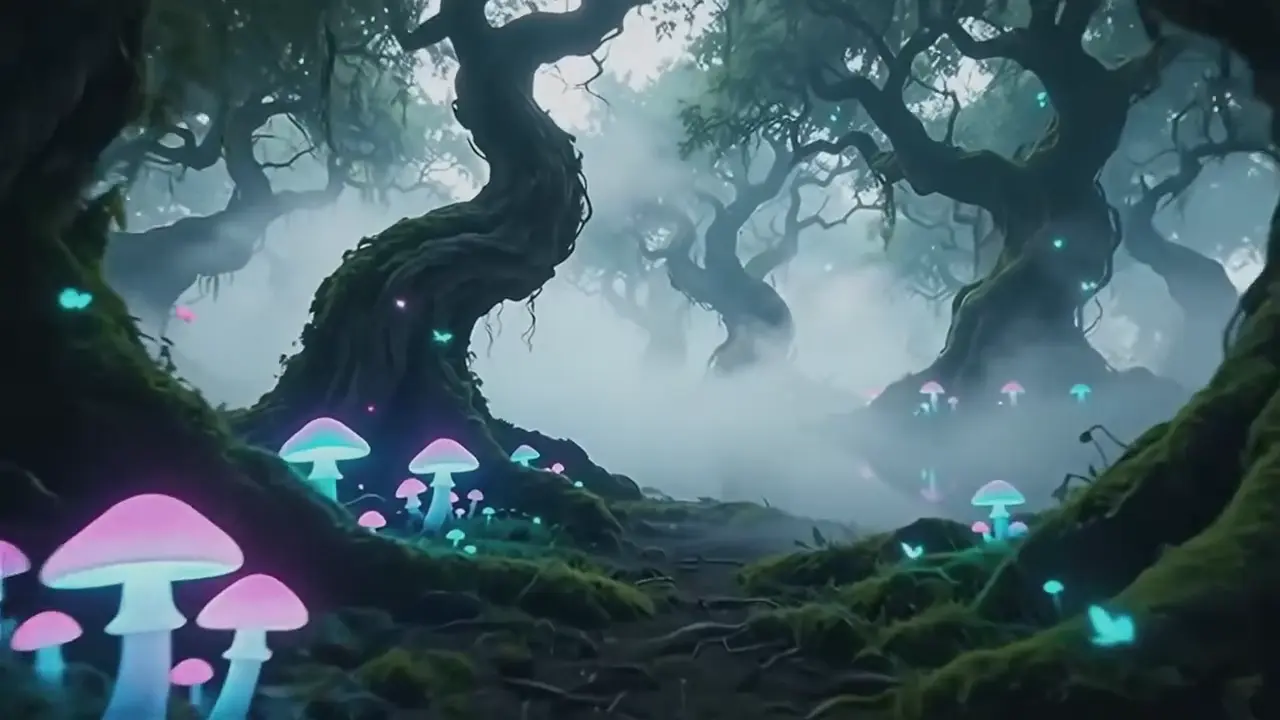

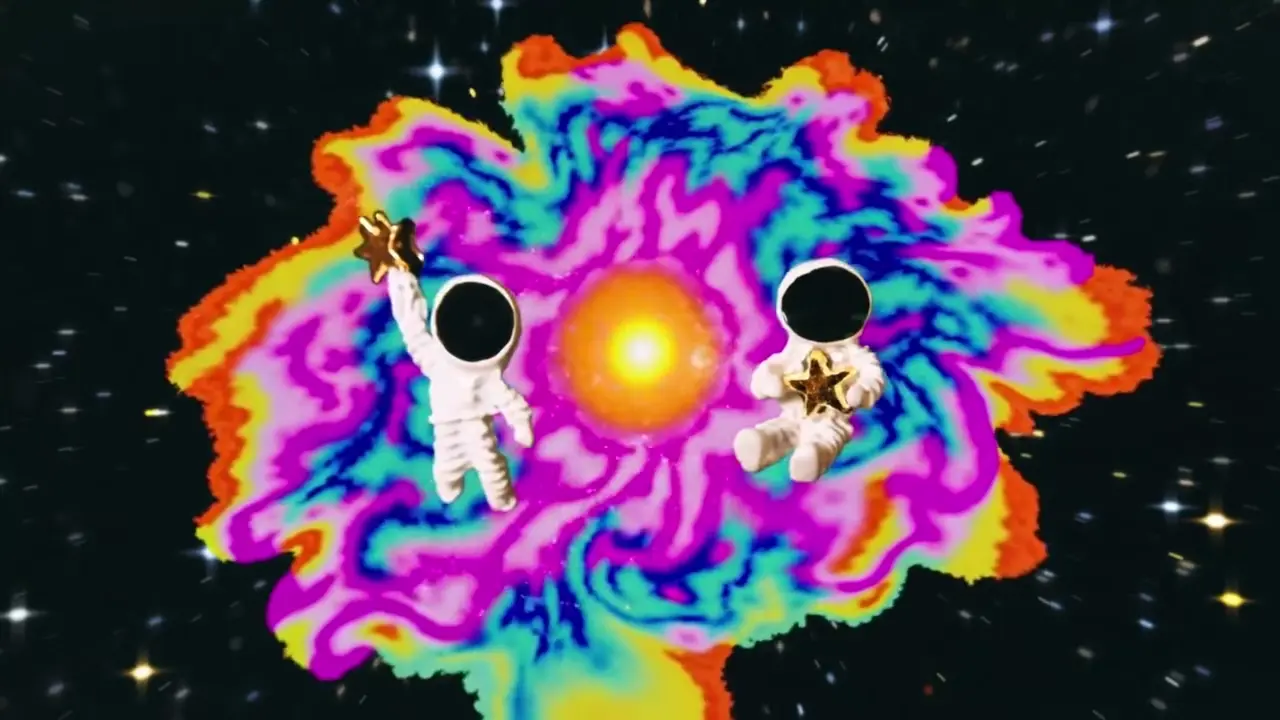



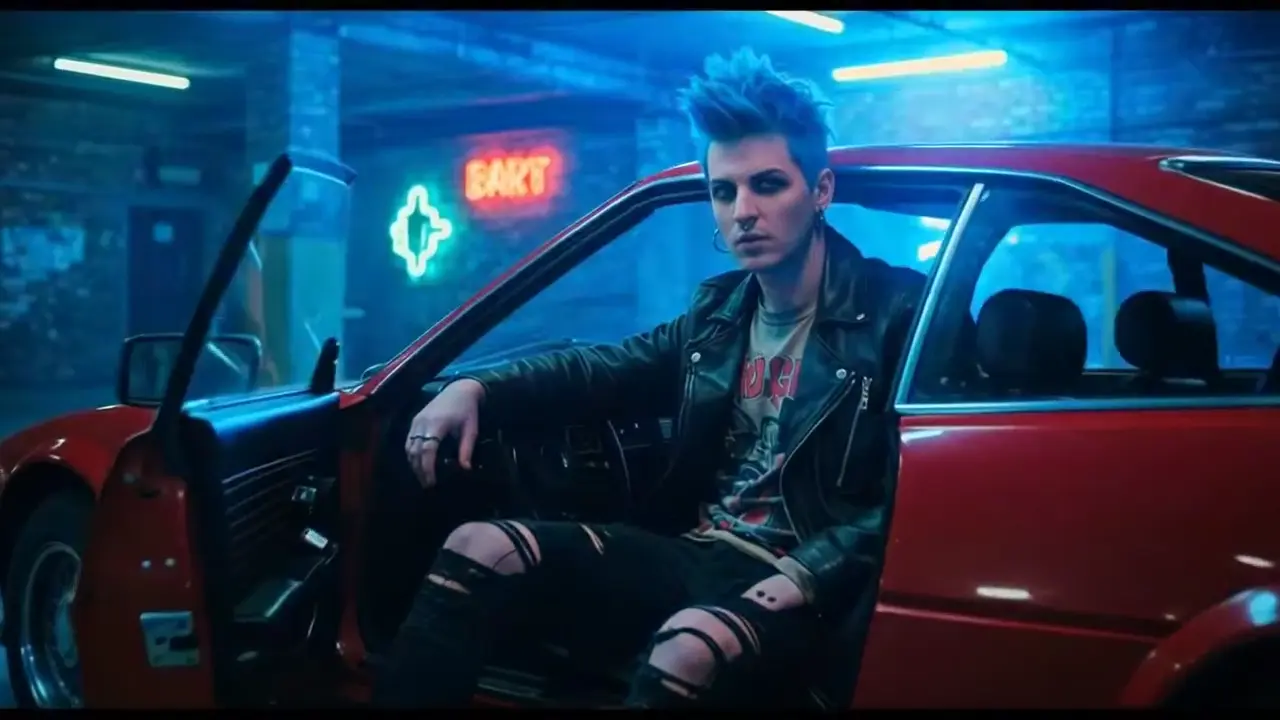
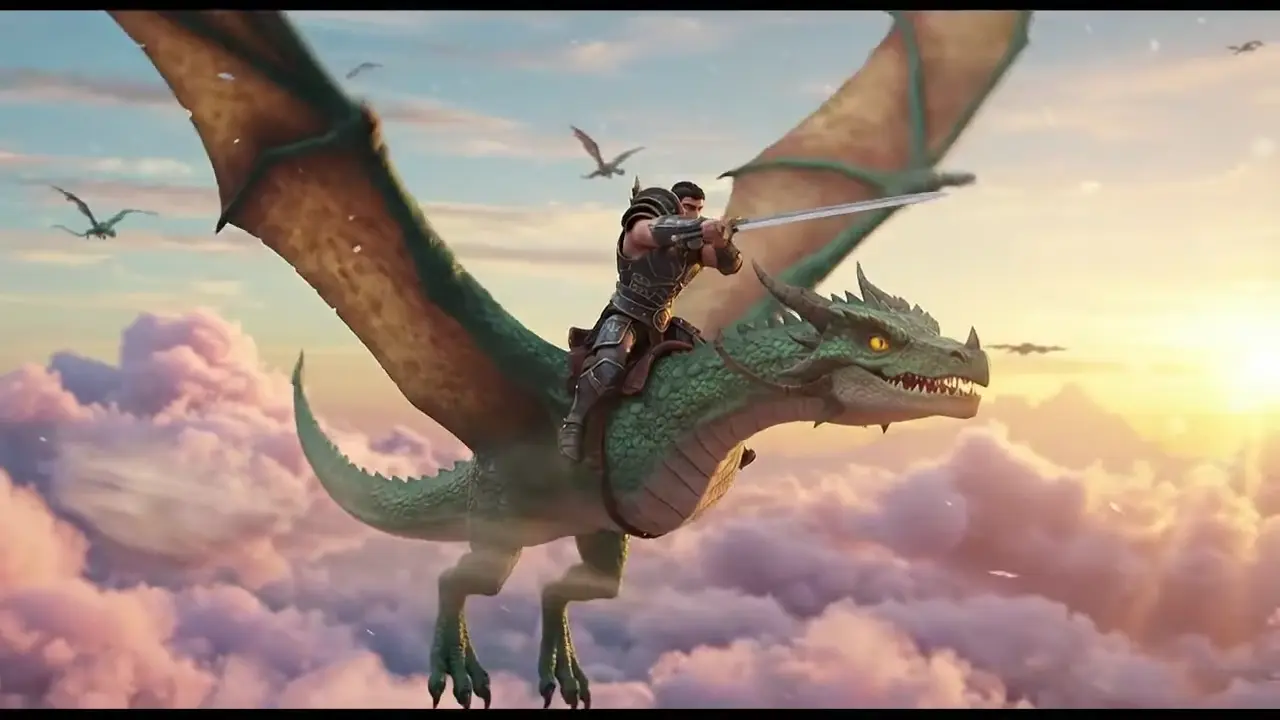
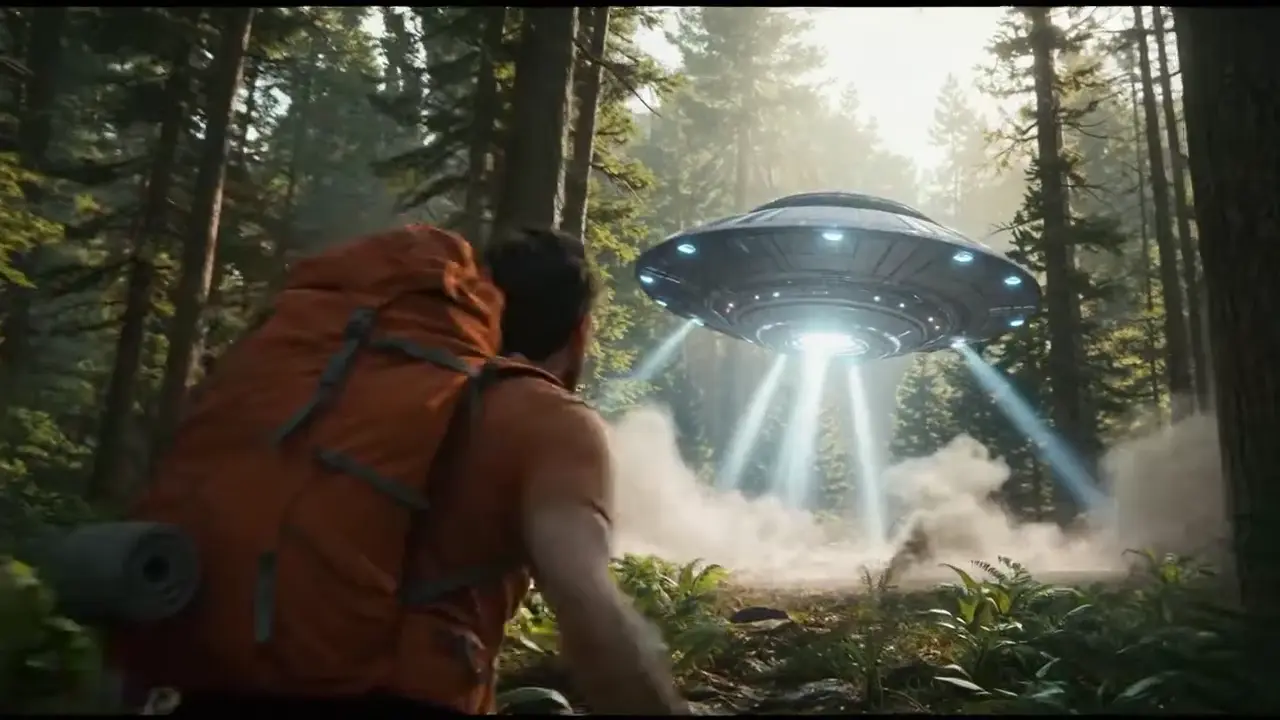


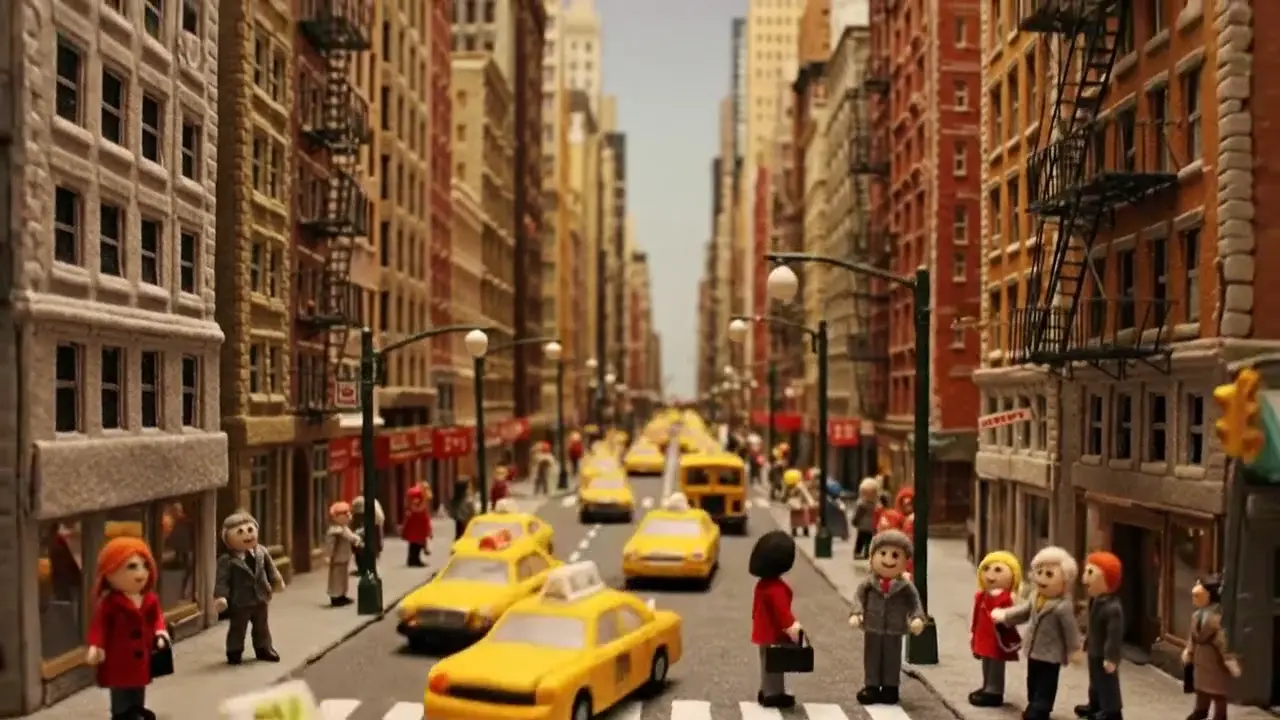
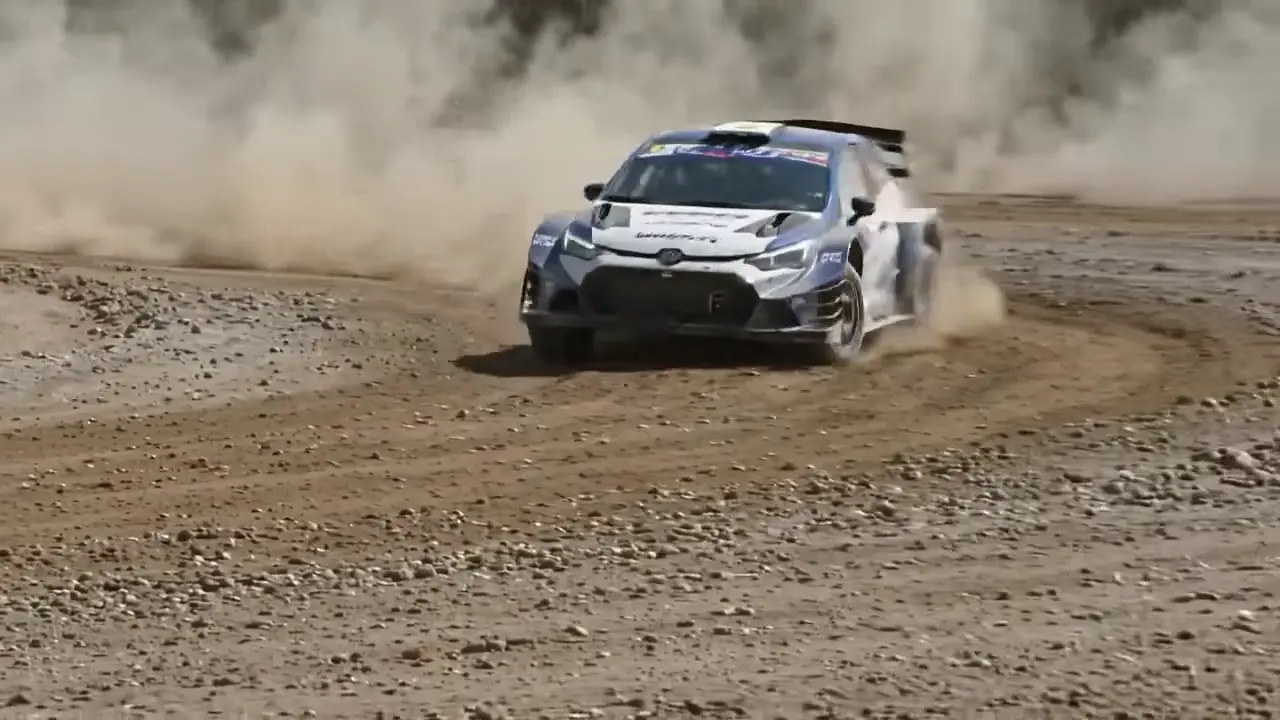
Happy Horse 1.0 outputs may include AI-generated video, audio, and visuals. Review every result before publishing, client delivery, or commercial use.
What Is Happy Horse 1.0?
Happy Horse 1.0 for creators and teams
Happy Horse 1.0 is a modern AI video generator designed for fast text-to-video and image-to-video creation.
It helps teams explore happy horse ai workflows with a practical, polished production experience.
Happy Horse text-to-video
Write a prompt in plain English and let Happy Horse 1.0 turn your concept into a clear, motion-ready draft.
Happy Horse image-to-video
Upload a still image and use Happy Horse 1.0 to add motion, depth, and platform-ready storytelling.
Happy Horse creator workflow
Use HappyHorse 1.0 for product demos, social campaigns, explainers, and rapid creative iteration.
Why Choose Happy Horse 1.0
HappyHorse 1.0 gives creators speed and control
HappyHorse 1.0 simplifies AI video creation for marketing, content, and storytelling.
HappyHorse supports both prompt-based video generation and image-to-video animation.
HappyHorse 1.0 helps teams create more video content without traditional production overhead.
HappyHorse makes happy horse ai workflows easier to explore.
How Happy Horse 1.0 Works
Create with Happy Horse in four simple steps
Describe your Happy Horse idea
Enter a prompt with subject, motion, mood, style, camera direction, and scene details for better HappyHorse output.
Choose your Happy Horse format
Select text-to-video or image-to-video, then match the aspect ratio and output style to the channel you plan to use.
Refine your Happy Horse result
Adjust pacing, framing, motion intensity, and creative direction with simple language to improve your HappyHorse generation.
Export with HappyHorse
Download your HappyHorse video for social posts, ads, presentations, product launches, and everyday marketing.
Happy Horse 1.0 Features
HappyHorse capabilities for modern video creation
Happy Horse 1.0 combines creator-friendly controls with fast AI video generation so you can build short-form clips, ads, explainers, and visual concepts without complex editing software.
Happy Horse prompt alignment
The generator is designed to follow detailed prompts closely, helping creators keep scenes, mood, and motion aligned with creative intent.
Happy Horse fast iteration
Generate, review, refine, and regenerate quickly so the workflow fits rapid campaign, product, and content production.
Happy Horse multiformat output
Create videos for vertical, horizontal, and social-friendly formats across multiple publishing channels.
Happy Horse creative flexibility
Use it for branded ads, launch videos, mood pieces, tutorials, demo scenes, and experimental AI concepts.
Happy Horse Use Cases
See how teams use Happy Horse every day
Happy Horse campaign videos
Turn launch messaging, product benefits, and brand hooks into short campaign videos for paid and organic distribution.
Prompt Guide
Write better prompts for better Happy Horse videos
A strong prompt should explain the subject, action, setting, mood, shot type, lighting, and pacing. Clear direction usually creates better results.
Be specific with the scene
Explain who or what appears in the scene, where it happens, and what should be moving.
Describe camera language
Mention close-up, wide shot, tracking shot, aerial view, or cinematic motion so the model understands the framing style.
Add visual mood and lighting
Use words like dramatic, soft, neon, golden hour, realistic, or stylized to guide the output toward the right atmosphere.
State the end use
If the result is for ads, social media, demos, or presentations, include that goal to shape pacing and composition.
Troubleshooting
Common ways to improve Happy Horse output quality
If your first result feels too generic or inconsistent, refine the prompt with clearer motion, framing, and subject detail before generating again.
Output feels too vague
Add more detail about the main subject, environment, action, and camera direction so the tool can interpret the idea more precisely.
Motion feels too weak
Use action verbs and describe how movement should happen, such as gliding, turning, zooming, or walking, to guide motion more clearly.
Style is not consistent
Keep your prompt focused on one visual style at a time instead of mixing too many artistic directions in a single request.
Comparison
Why creators evaluate Happy Horse against other AI video products
Users often compare features like prompt control, export flexibility, speed, and ease of use when choosing an AI video workflow.
Vs traditional editing
It shortens the path from idea to video by reducing manual editing, motion design, and assembly time.
Vs single-use tools
It supports both text-to-video and image-to-video workflows, giving creators more ways to start a project.
Vs complex pipelines
It is built for speed and accessibility, helping teams test more ideas without heavy production overhead.
FAQs
Everything users ask about the platform, video quality, and workflow
Getting Started
Learn the basics of creating your first video.
Performance
Understand how the generator handles quality, speed, and creative iteration.
Technical
Review workflow, compatibility, and prompt guidance.
Ready to Create?
Start using Happy Horse to turn prompts and images into polished AI videos for marketing, storytelling, product launches, and everyday content creation.
Built for a growing creator community
Happy Horse supports solo creators, in-house teams, agencies, and growing brands that want more video output with less production friction.
Performance that keeps ideas moving
From first prompt to final export, Happy Horse is designed for fast testing, quick revisions, and consistent creative momentum.
Workflows for modern publishing
Use it to support brand storytelling, educational videos, social content, e-commerce visuals, and campaign production with clear creative control.
Stay updated
Follow product updates, workflow tips, and new use cases as the platform evolves.